Connect equipment specifications to the details behind them.
Organize equipment, component, and material records with drawings and technical documentation. Give engineering teams a clear view of related information and revisions.
Request a demoDrive assembly
Explore specifications, documents, and sustainability reporting with fictional sample data. Open Sustainability to inspect field completeness and material rollups.
Drive assembly
EQP-1020 · Product specifications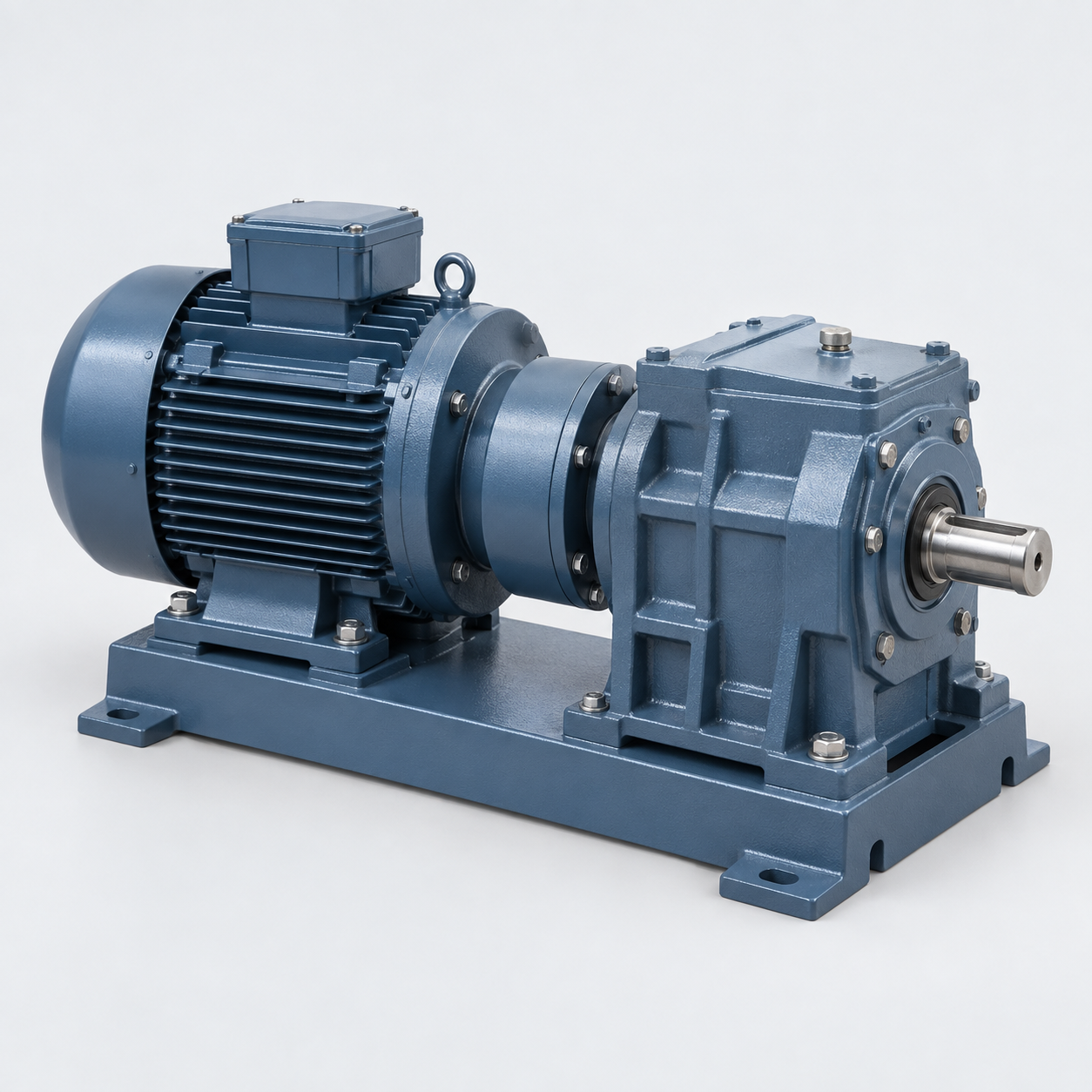 Drive assemblyEQP-1020 · Illustrative record
Spec Score
Field completeness23 of 25 required or essential fields completed.
This example scores required and essential field completeness. Configured Data Quality checks can also contribute to Spec Score.Details to review
EQP-1020 has a 0.75 kW motor, a 400 V three-phase supply, and a 20:1 gear ratio. It is base mounted, weighs 18 kg, and is associated with a conveyor module. The recorded drawing revision is 05.
EQP-1020 · Drive assembly
- Equipment type
- Drive assembly
- Motor rating
- 0.75 kW
- Supply voltage
- 400 V · 3 phase
- Gear ratio
- 20:1
- Mounting arrangement
- Base mounted
- Assembly mass
- 18 kg
- Drawing revision
- 05
- Associated equipment
- Conveyor module
Linked source documents
- DOC-1
- Equipment specification
- DOC-2
- Assembly drawing
- DOC-3
- Supplier manual
Document links are illustrative; check each source revision before relying on its contents.
A supplier updates an equipment drawing
Keep the equipment record, associated components, and revised drawing together for engineering review.
Equipment record + revised drawing
Start with a question.
Use LINQ Assistant to explore the information in your Greenlinq account and follow links to relevant records.
Meet LINQ Assistant“Which component records are linked to this equipment?”Example prompt · Answers depend on your account data
Explore another industry
Bring a spec sheet.
See how it could work.
Review your source data and required outputs. Explore module-based pricing and a migration plan for your team.
Request a demoWhat to prepare